comparevehiclecheck.com
quick illustration
COMPAREVEHICLECHECK-COM#6457
Issue 23

Quick Checks — A field study

Compare Vehicle Checkon comparevehiclecheck.com

comparevehiclecheck.com is a UK vehicle-data tool that takes a single registration and returns what the official records actually say about the car behind it. No upsold marketing copy in front of the data, no fabricated "risk indicators" pulled from nothing — the report shows what is on file and where it came from. Compare UK vehicle check providers side-by-side. Data depth, price and PDF format compared at a glance. What follows is the detail behind the lookup — sources, limits and the questions worth asking the seller.

01 · TRUST

Data sourced from DVLA, MIAFTR, contracted stolen-vehicle data and the UK lender register at lookup time.

02 · TRUST

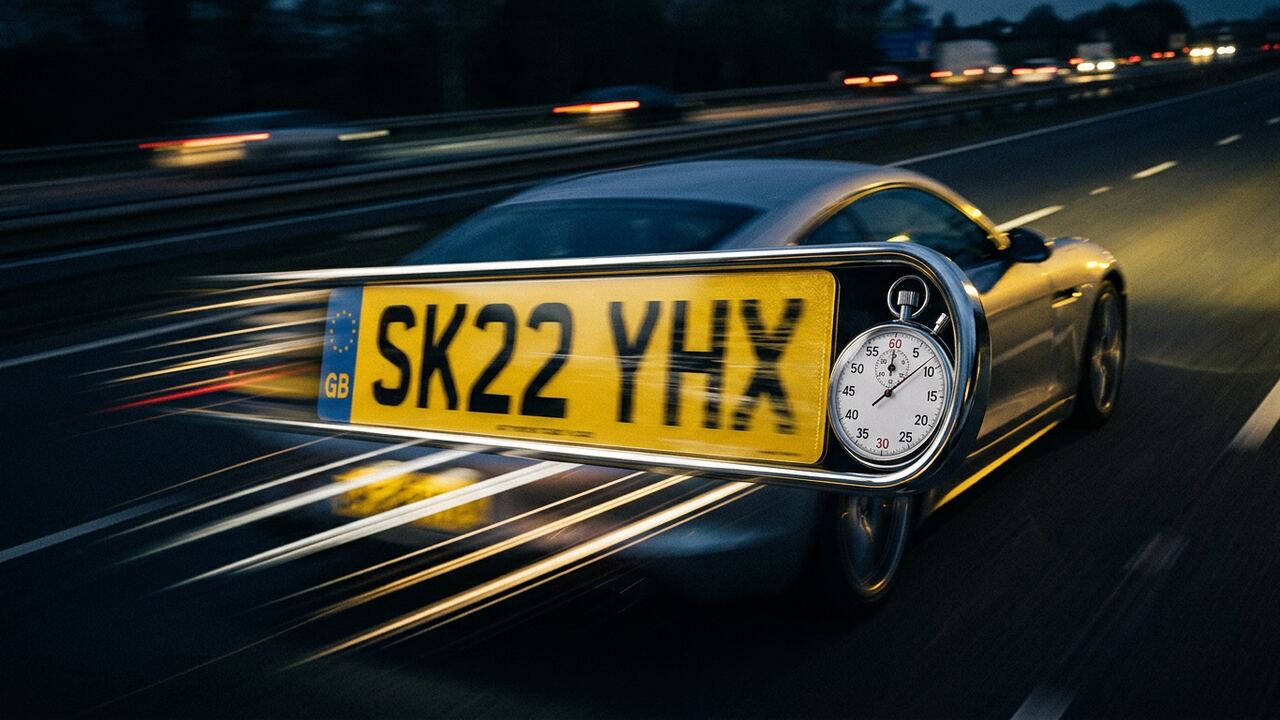
Typical lookup completes in under one second from the UK.

03 · TRUST

Built and supported in the UK as part of the consumer side of the network.

01

How to use this with the seller

If the report shows nothing of concern, ask to see the V5C in person and compare the VIN on the document to the one stamped on the chassis and printed on the dash. If the report flags something, raise it directly: a Category N write-off is not necessarily a deal-breaker, but a seller who claims a car has no history when MIAFTR shows otherwise is telling you something important about the rest of the conversation.

02

What the summary actually returns

Make, model, colour, year, fuel type, transmission, CO2 emissions, tax status with expiry, MOT status with expiry, the recorded mileage at the last MOT and any active stolen marker. Enough to make a 'walk away or look closer' decision on a forecourt.

03

API access for higher volumes

If you run more than a handful of summary checks per day, an API key is faster and more reliable than the web form. Trade pricing applies above a defined monthly threshold. The same summary fields are returned in JSON for direct integration.

/ Brand consolidation

comparevehiclecheck.com is now Expert Car Check

comparevehiclecheck.com is now part of Expert Car Check — the consolidated UK vehicle-data platform that several of these older brands have joined. The data sources are unchanged: DVLA's vehicle record, DVSA's MOT history, MIAFTR for write-offs, contracted UK data providers for stolen-vehicle markers and the UK lender register for outstanding finance. The team and the support contact are the same. What's changed is that the work that was previously spread across several smaller brands now sits in one place, which keeps response times tight and the underlying registers maintained against current DVLA schemas. Bookmarks and historic links to comparevehiclecheck.com continue to resolve here. If you were referred to comparevehiclecheck.com by a previous report, broker or print listing, this is the right page — there is no further redirect to chase.

Visit expertcarcheck.com →

/ Common questions

Questions buyers ask about comparevehiclecheck.com

Does the summary work well on a phone?+

It is designed for it. The findings that would stop a purchase sit above the fold in plain words, with no interstitial, no autoplay video and nothing to dismiss before the data appears.

What should I look at first?+

Tax status, MOT status, the make, model and colour against the advert, and the stolen marker. If any of those contradict the listing, the conversation ends before you spend anything on travel.

The recorded colour is wrong — is that a red flag?+

On its own, no; repaints happen and are not always notified. Combined with a mismatched model description or a keeper location far from the seller, it becomes one of the more reliable early indicators of a cloned identity.

Where does the summary stop being enough?+

Any vehicle over about £5,000, anything ex-fleet, anything advertised as recently imported, anything where the seller is in a hurry — the summary is the start of the diligence, not the end.

/ Also in quick checks

Related brands in this category

View hub →

/ Begin

Enter a registration. See the record.

One field. A typical lookup completes in under a second, using the same UK vehicle records relied on by trade buyers and insurers.